
What it does
- Tank Report summarizes available tank age, volume, water-change context, livestock counts, bioload, and items that need attention.
- Parameters Report focuses on saved measurement status and trends using the data currently available for that aquarium.
- The export action prepares a PDF of the report being reviewed for sharing, printing, or keeping outside the app.
Why you would use it
A dashboard is useful at the tank; a report is useful when reviewing the broader record, discussing the aquarium with someone else, or preserving a dated snapshot. Missing data remains visible so a polished export does not pretend the history is more complete than it is.
How to use it
Start here: Start from the correct tank, choose Tank Tools, then select Reports from Core Tank Tools.
- Open the correct tank, choose Tank Tools, and select Reports.
- Begin with Tank Report to review tank facts, livestock context, water-change information, and current attention items.
- Switch to Parameters Report when the question is about measurements, ranges, and trends.
- Treat No data as a prompt to inspect the underlying log; do not infer a zero value or a completed activity from an empty report field.
- Open the underlying parameter, maintenance, or livestock record when an attention item needs verification or correction.
- Choose Export only after reviewing the current report, then use the system share flow to save, print, or send the generated PDF.
Reports screenshots
This capture comes from the current Reef Trak interface. Numbered callouts identify the key controls; the text guide carries the full workflow.
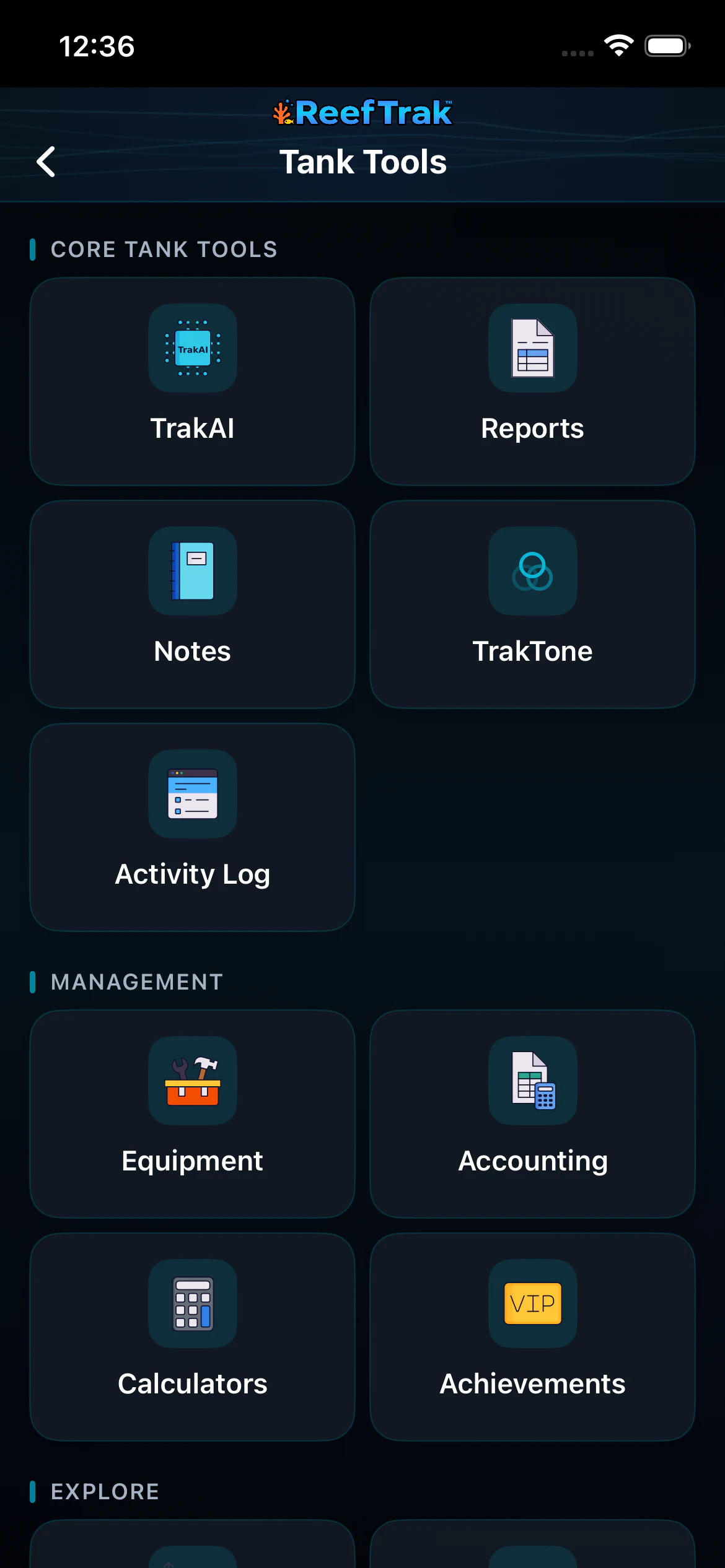 1
1
- Open Reports for the current tank.
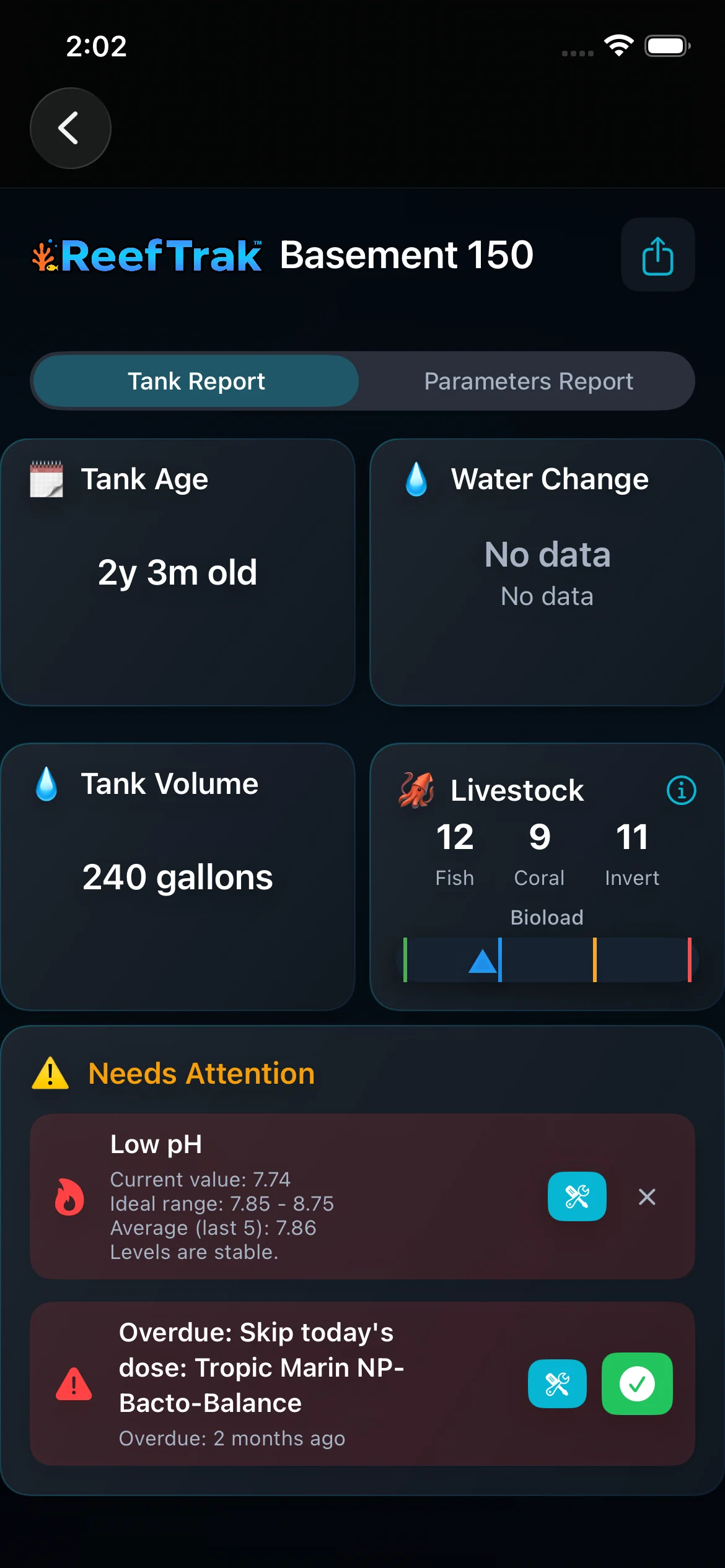 234
234
- Switch between the overall Tank Report and the Parameters Report.
- Export the currently reviewed report as a PDF.
- Read missing data and attention items as prompts to verify the underlying records.
Example
Before a consultation, a keeper reviews the Tank Report, notices that water-change history is missing, checks the underlying log, and then exports a PDF containing the corrected tank facts and parameter context.
Important details
- Premium report module on supported Reef Trak platforms.
- A report summarizes saved Reef Trak records; it cannot validate a test method, confirm that an unlogged task occurred, or diagnose livestock health.
- PDF export can leave Reef Trak through the device share sheet. Review the content and intended recipient before sharing private aquarium information.
Reports frequently asked questions
When was Reports introduced in Reef Trak?
Reports was first documented in Reef Trak on January 7–9, 2025. The supporting chronology identifies it as a dated pdf report development record.
What is included in a Reef Trak tank report?
The Tank Report can include tank age and volume, water-change context, livestock counts and bioload, and attention items. The Parameters Report focuses on saved measurements, status, and trends.
Can Reef Trak export an aquarium report as a PDF?
Yes. The report screen provides an export action that generates a PDF for the system save, print, or share workflow.
What does No data mean in an aquarium report?
It means the report could not find a usable underlying record for that field. It does not mean zero, normal, or completed. Check the source log before drawing a conclusion.
Does a Reef Trak report diagnose reef tank problems?
No. It summarizes the records and attention logic available in the app. Confirm test results, inspect the aquarium, and use appropriate expert or manufacturer guidance before acting.
Open in Reef Trak
The button opens this destination when the installed app supports it. The browser fallback offers only platforms where the current inventory confirms availability.