
What it does
- Activity Log combines parameter tests, maintenance, feeding, water changes, livestock changes, notes, reports, calculator use, and achievements into one dated timeline.
- The calendar shows which days contain recorded activity and filters the event cards to the selected date.
- Each card preserves the event type, time, subject, and saved detail so a later problem can be compared with what changed beforehand.
Why you would use it
A reef problem rarely begins at the moment it becomes visible. A unified aquarium history helps connect a new symptom or parameter shift with earlier tests, care, feeding, livestock, and equipment-related actions without searching separate screens.
How to use it
Start here: Start from a tank in Reef Trak, choose Tank Tools, then select Activity Log.
- Open the correct tank, choose Tank Tools, and select Activity Log.
- Use the month arrows and activity markers to find the date or period you want to investigate.
- Select a day and read its cards from newest to oldest, noting the exact time and event category.
- Compare related events rather than treating one log in isolation—for example, a feeding, dose, water change, and later parameter result.
- Correct the original record when possible. Delete an Activity Log item only when it is genuinely wrong, because removal changes the historical evidence.
Activity Log screenshots
This capture comes from the current Reef Trak interface. Numbered callouts identify the key controls; the text guide carries the full workflow.
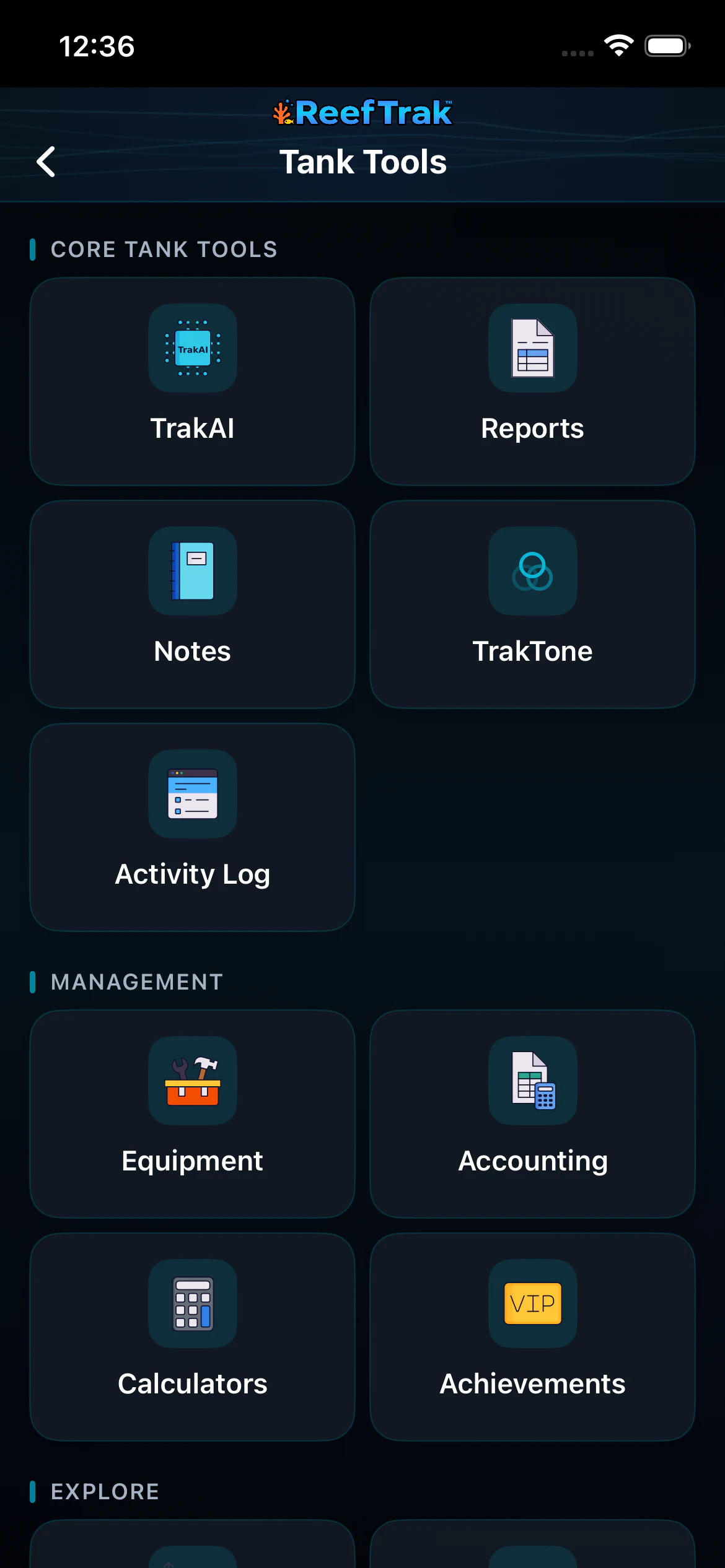 1
1
- Open Activity Log from the current tank’s Tank Tools.
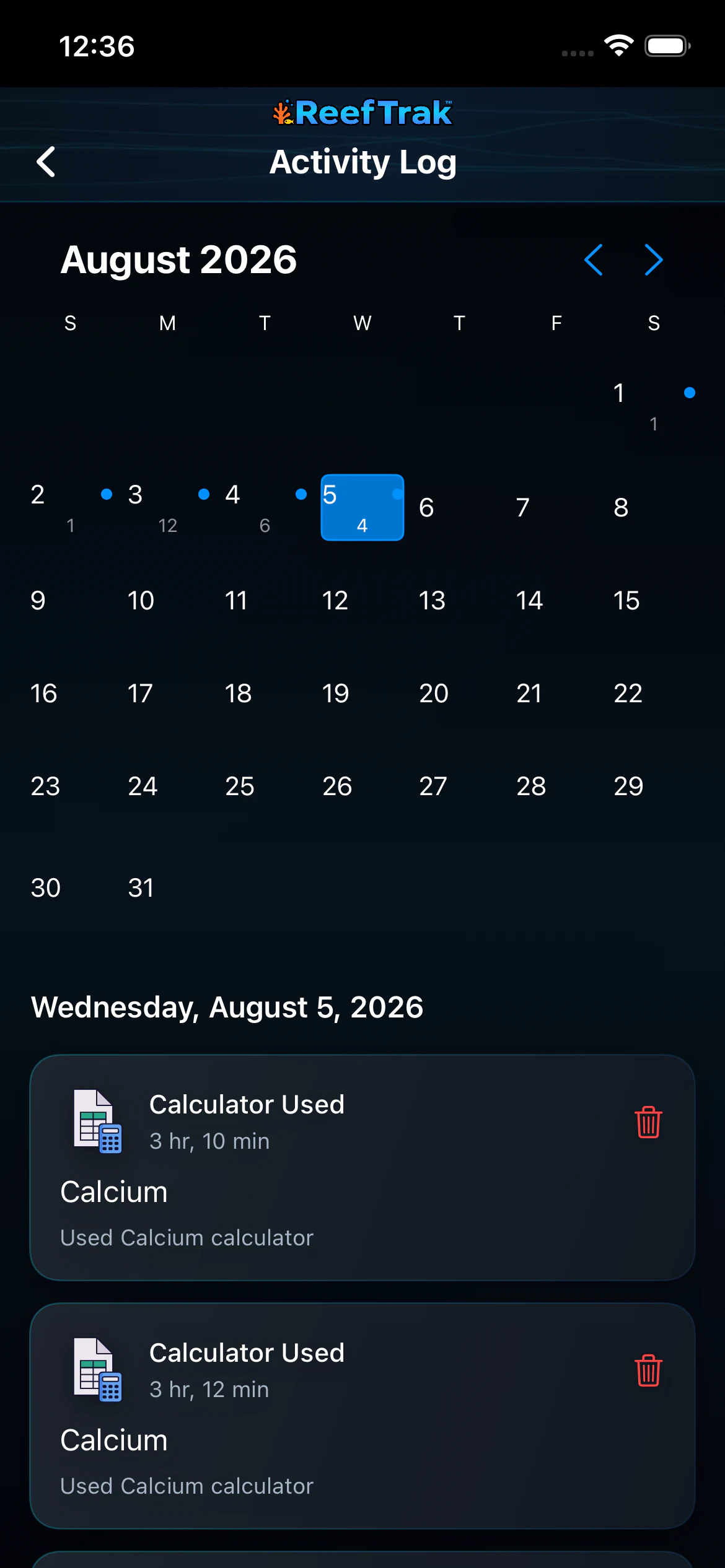 23
23
- Move between months and choose the date you want to investigate.
- Read the selected day in reverse chronological order across care, tests, reports, calculators, and livestock events.
Example
After nitrate rises, a keeper opens the dates before the test and sees recent feeding, maintenance, and water-change records together. That sequence provides a better troubleshooting starting point than the nitrate value alone.
Important details
- Premium tool on supported Reef Trak platforms.
- The Activity Log is only as complete as the events recorded or synchronized for that tank.
- Deleting a card removes useful context from future reports, trends, and investigations. Correct source records deliberately.
Activity Log frequently asked questions
When was Activity Log introduced in Reef Trak?
Activity Log was first documented in Reef Trak on July 17, 2025. The supporting chronology identifies it as a public ios 1.3 release.
What does a reef tank activity log track?
Reef Trak can show dated parameter tests, maintenance, feeding, water changes, livestock events, notes, reports, calculator use, and achievements in one tank history.
How do I find aquarium activity from a specific day?
Open Activity Log, move to the correct month, and select a calendar date with activity. The cards below the calendar update to that selected day.
Can an aquarium activity log help troubleshoot parameter changes?
Yes. It helps compare a later test with earlier feeding, dosing, maintenance, water changes, and other recorded changes. It provides context, but it does not prove that one event caused another.
Can I delete an incorrect Reef Trak activity?
Supported activity cards expose a delete action. Use it only for a genuinely incorrect record, because deleting history also removes context that could matter later.
Open in Reef Trak
The button opens this destination when the installed app supports it. The browser fallback offers only platforms where the current inventory confirms availability.