
What it does
- Equipment stores catalog-backed or custom records for lights, pumps, skimmers, heaters, filters, controllers, and other tank gear.
- The inventory supports search, status and category filters, sorting, quantities, installed dates, location, vendor, price, total investment, photos, notes, and specifications.
- Catalog-backed records can include community reviews while tank-specific fields describe the exact unit or units installed on this aquarium.
Why you would use it
Aquarium equipment is easy to identify when it is new and much harder years later when a pump needs service, a light is replaced, or a receipt is missing. A structured inventory preserves the model and the tank-specific history needed for maintenance and replacement decisions.
How to use it
Start here: Start from a tank in Reef Trak, choose Tank Tools, then select Equipment under Management.
- Open the correct tank, choose Tank Tools, and select Equipment.
- Choose Add Equipment, browse the correct category, and select the exact catalog model when available; otherwise create an honest custom record.
- Add the real quantity, status, location, installed and purchase dates, vendor, unit price, photo, and notes that matter for this tank.
- Use search, status filters, category filters, and sorting to find an installed, planned, or retired item.
- Open the item and review its catalog identity separately from your tank-specific details, maintenance information, specifications, and value.
- Edit the record when equipment moves, is serviced, changes status, or leaves the system so the inventory remains current.
Equipment screenshots
This capture comes from the current Reef Trak interface. Numbered callouts identify the key controls; the text guide carries the full workflow.
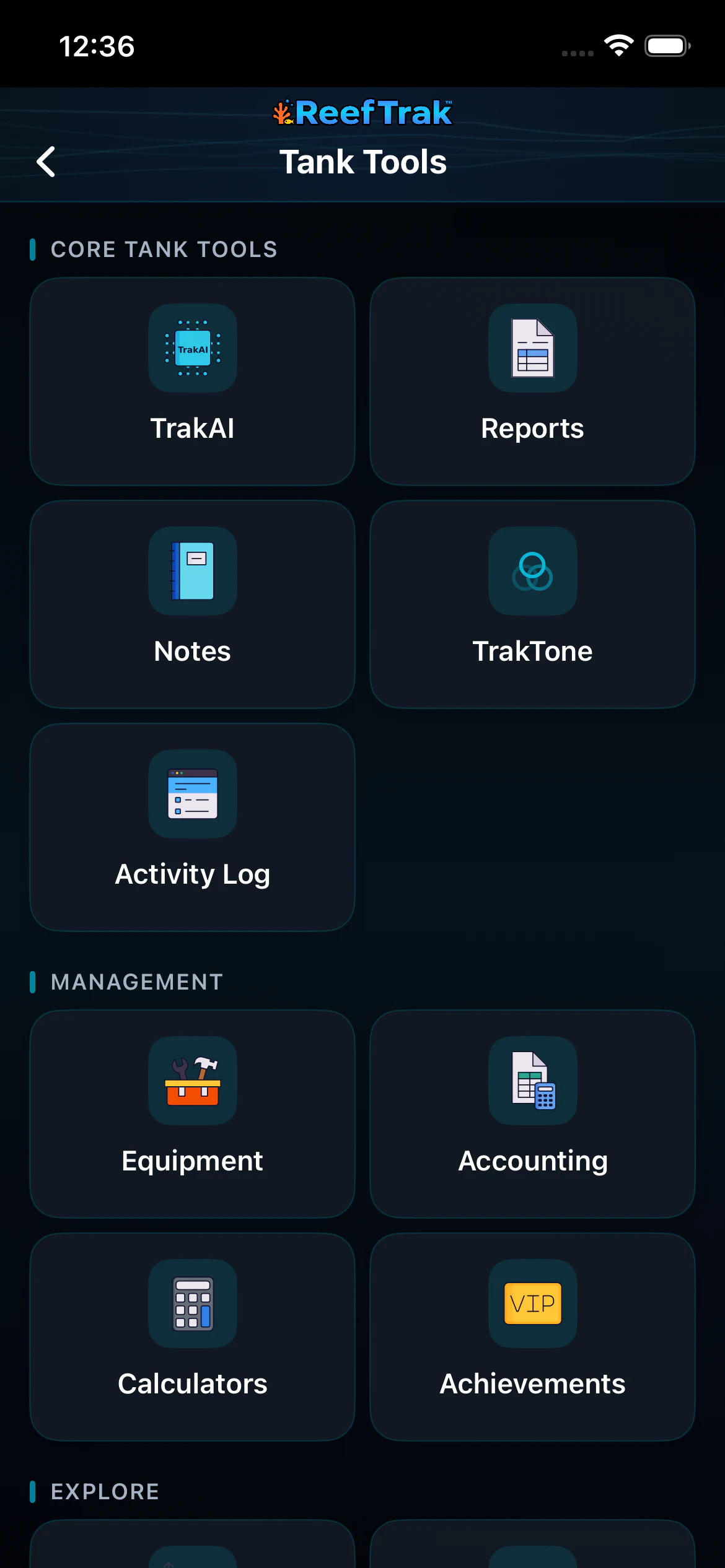 1
1
- Open Equipment from the current tank’s Management tools.
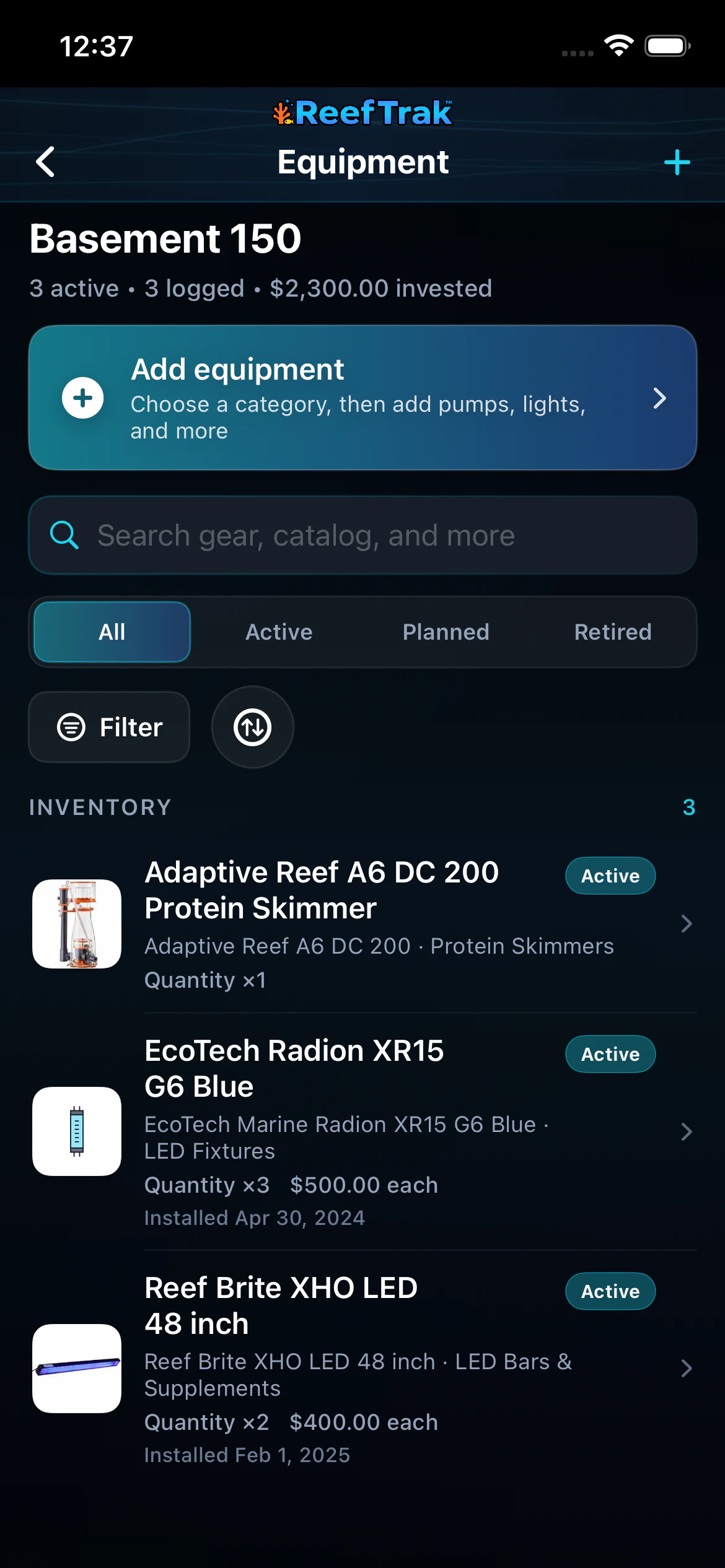 234
234
- Use Add Equipment to choose a catalog category or create the real gear record.
- Search, filter by status or category, and sort the inventory before opening a record.
- Open the exact installed item to review its details and maintenance context.
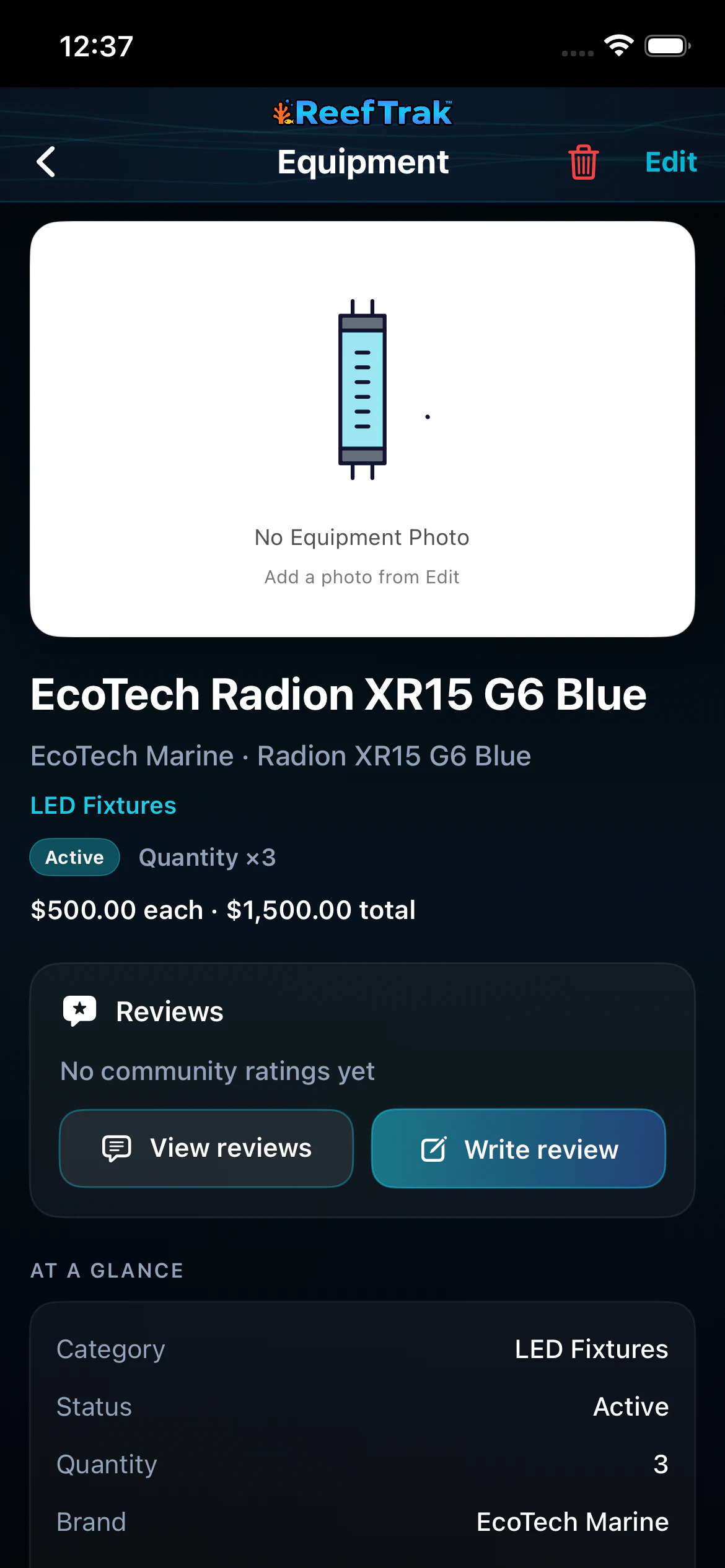 56
56
- Confirm the model, quantity, status, reviews, and catalog identity.
- Keep location, installation, purchase, value, service, and specifications current.
Example
A keeper records three identical LED fixtures as one catalog-backed item with quantity three, the ceiling-mount location, install date, vendor, and per-unit price. Years later the exact model and total investment are still available when planning a replacement.
Important details
- Premium module on iOS, Android, and WebPortal.
- Catalog specifications describe the product model; your quantity, dates, condition, location, price, service, photos, and notes describe the equipment actually installed.
- Marketplace information and community reviews are supporting context, not a warranty or a substitute for manufacturer safety instructions.
Equipment frequently asked questions
When was Equipment introduced in Reef Trak?
Equipment was first documented in Reef Trak on April 10, 2026. The supporting chronology identifies it as a public ios and android 2.1.1 release.
What aquarium equipment can Reef Trak track?
The equipment inventory is designed for common aquarium gear such as lights, return pumps, powerheads, skimmers, heaters, filters, controllers, reactors, and other catalog-backed or custom items.
Can Reef Trak track several identical lights or pumps?
Yes. A saved item can include a quantity, per-unit price, and total investment so identical installed units do not need misleading duplicate model records.
What is the difference between catalog equipment and my equipment record?
The catalog supplies shared model identity and specifications. Your tank record adds status, quantity, location, dates, vendor, cost, photos, notes, and maintenance details for the units you actually own.
Can I track retired or planned aquarium equipment?
Yes. The inventory provides status filters for active, planned, and retired gear, which helps preserve history without mixing every item into the currently installed list.
Open in Reef Trak
The button opens this destination when the installed app supports it. The browser fallback offers only platforms where the current inventory confirms availability.