
What it does
- Livestock groups the current tank’s fish, corals, and invertebrates into category rosters with ecosystem counts and recent additions.
- Each saved animal can connect a catalog species to the keeper’s own name, date added, size, photos, progress history, purchase details, notes, and care context.
- Saltwater and freshwater tanks show categories appropriate to the selected tank type; freshwater tanks can include plants instead of corals.
Why you would use it
A species catalog explains the animal in general, while a livestock tracker preserves what happened to this specific fish, coral, invert, or plant in this specific aquarium. That distinction matters for growth, introductions, compatibility, health observations, photos, and long-term care.
How to use it
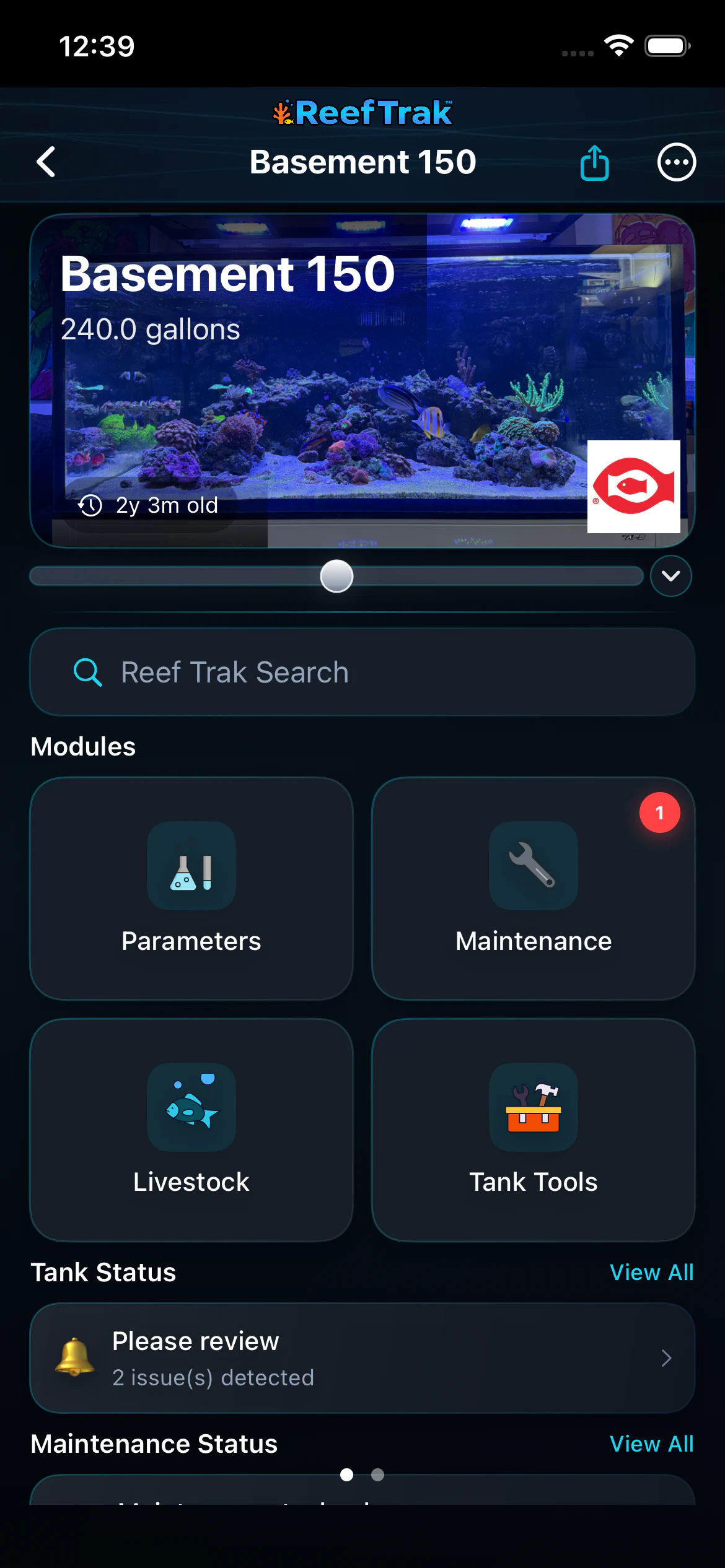
Start here: Start from the correct tank and choose Livestock from the Modules section.
- Open the correct tank and choose Livestock.
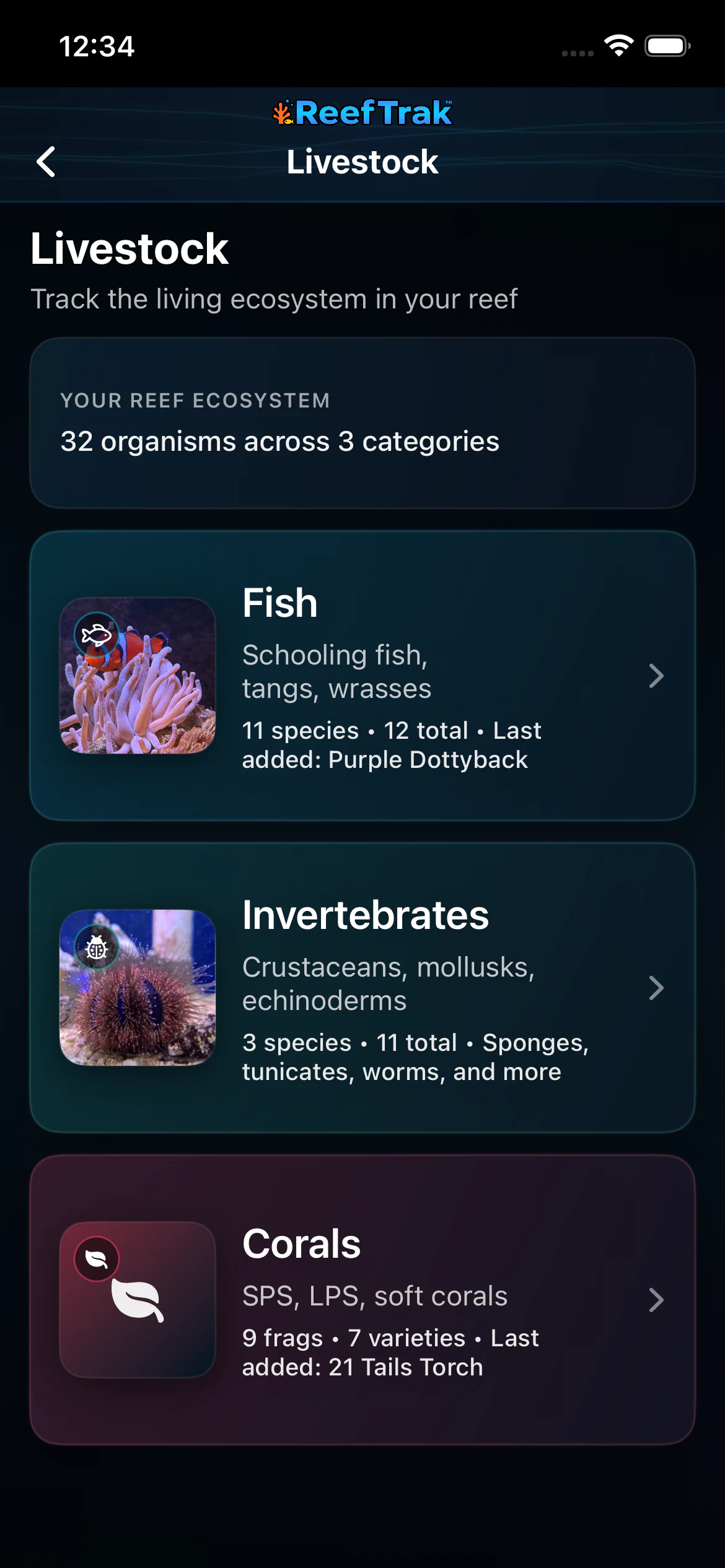
- Review the ecosystem count, then choose Fish, Invertebrates, Corals, or the category available for that tank type.
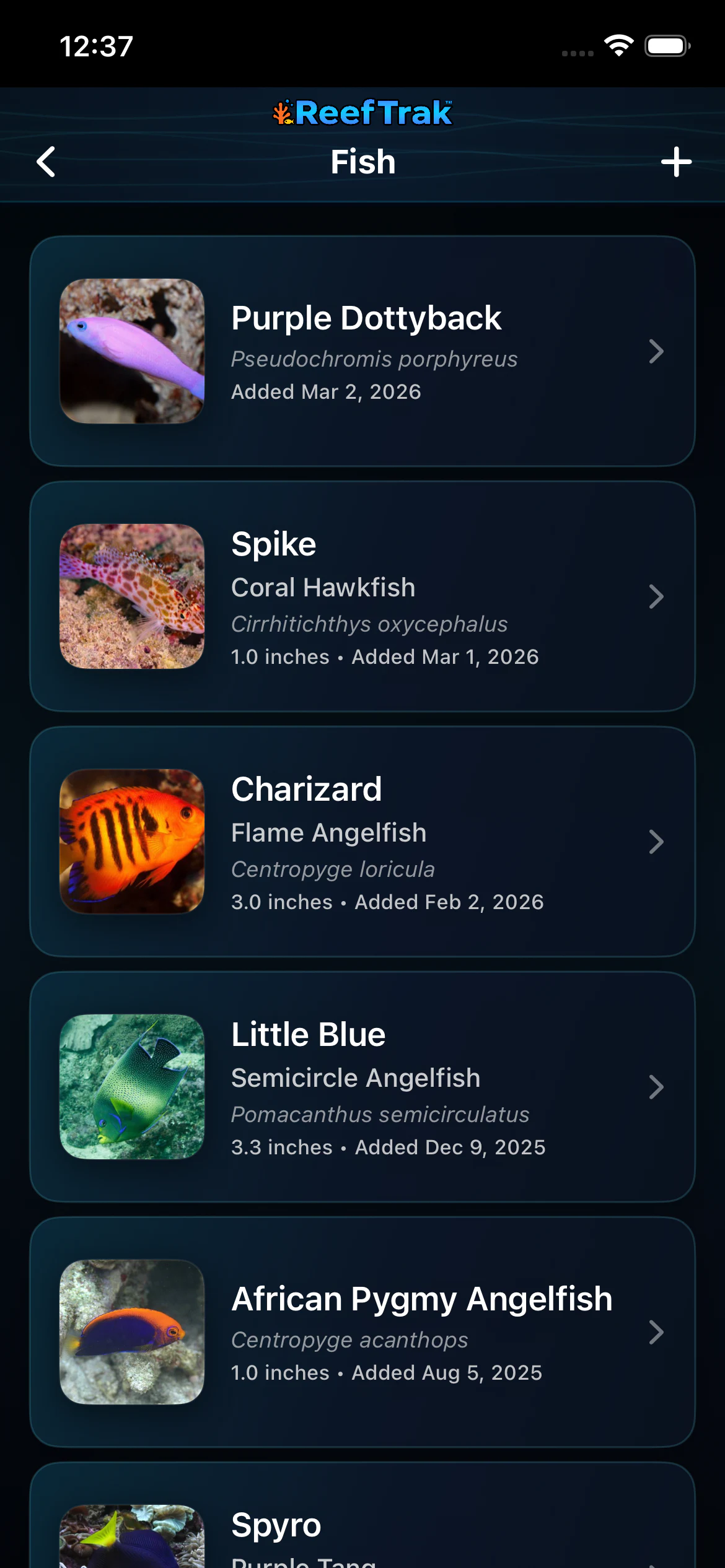
- Open an existing record or choose Add to find the exact species in the catalog; create a custom record only when a suitable catalog match is unavailable.
- Add the tank-specific name, date added, current size or quantity, purchase information, location, photos, and useful notes.
- Open the same record later to update size, observations, progress photos, milestones, or other history instead of replacing the animal with a new duplicate.
Livestock screenshots
This capture comes from the current Reef Trak interface. Numbered callouts identify the key controls; the text guide carries the full workflow.
 1
1
- Open Livestock from the current tank’s module grid.
 2
2
- Check the ecosystem total and choose Fish, Invertebrates, or Corals.
 3
3
- Use Add for a new animal or open an existing record to update its history, photos, name, size, and notes.
Example
A keeper adds a flame angelfish from the catalog, gives it the tank name Charizard, records its size and introduction date, and adds dated progress photos later. The general species guidance remains separate from Charizard’s actual history.
Important details
- Premium module on supported Reef Trak platforms.
- Catalog care and compatibility information is general guidance. Observe the actual animals and confirm important husbandry decisions with reliable sources.
- Use dated progress photos instead of overwriting the only image when you want a meaningful visual history.
Livestock frequently asked questions
When was Livestock introduced in Reef Trak?
Livestock was first documented in Reef Trak on December 23, 2024. The supporting chronology identifies it as a first documented livestock catalog.
What livestock can I track in a reef tank app?
Reef Trak organizes fish, corals, and invertebrates for reef tanks. Freshwater-aware tanks can show fish, invertebrates, and plant records appropriate to that tank type.
Can I give a fish its tank name while keeping the species name?
Yes. A livestock record can preserve a keeper-assigned name alongside the catalog species and scientific identity.
Can Reef Trak track coral and fish growth with photos?
Livestock records support photos and dated progress-photo history where available, letting you preserve earlier images instead of replacing them.
Should I add the same animal again when its size changes?
No. Open the existing record and update its tank-specific details or progress history. Creating a duplicate would split one animal’s timeline into separate records.
Open in Reef Trak
The button opens this destination when the installed app supports it. The browser fallback offers only platforms where the current inventory confirms availability.